Photo library & developer
Maniac Darkroom
Thousands of photos. Every one at its best.
A photo library and a darkroom in one app — and your originals are never changed.
One-time purchase, no subscription. Linked to your Maniac ID, for up to 5 PCs. Requires Maniac OS 1.0 or later. VAT is calculated at checkout.
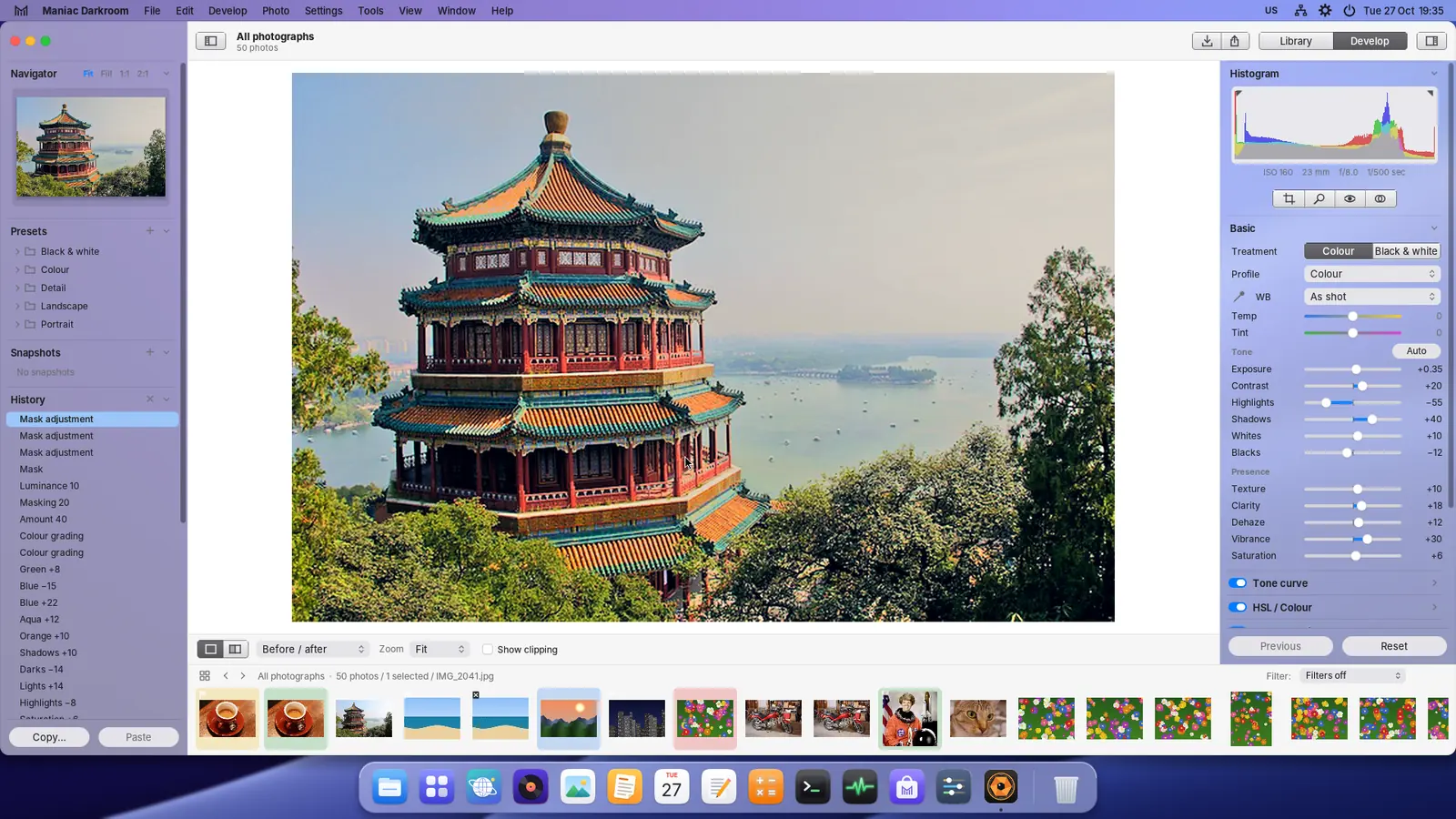
From import to export.
Import
- From a card or a folder
- Copy into Pictures or add in place
- Catalogue keeps every setting
Organise
- Stars, flags and colour labels
- Collections and a quick collection
- Filter by text, rating, date, camera and lens
Look closely
- Grid, loupe, compare and survey
- Filmstrip and navigator
- Before and after, side by side
Develop
- White balance, exposure, highlights and shadows
- Tone curve, HSL and colour grading
- Detail, lens corrections, transform and effects
Local edits
- Crop and straighten
- Spot removal and red eye
- Masks: brush, linear and radial gradients
Non-destructive
- Originals are never changed
- History and presets
- Copy and paste settings; export presets
A closer look.
Real screenshots. Select one to see it larger.
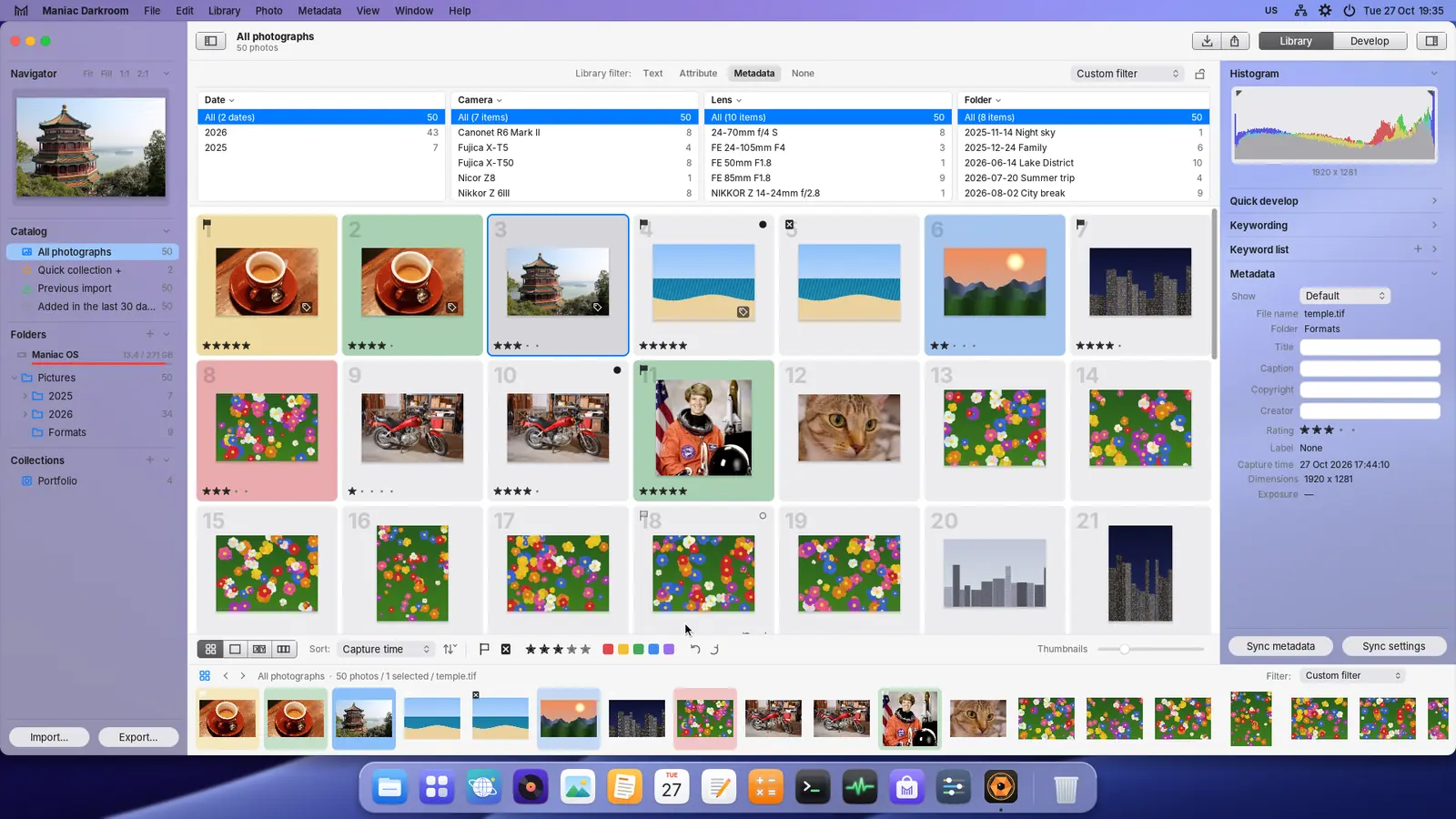
The Library: a grid with ratings, flags and colour labels, and the metadata filter 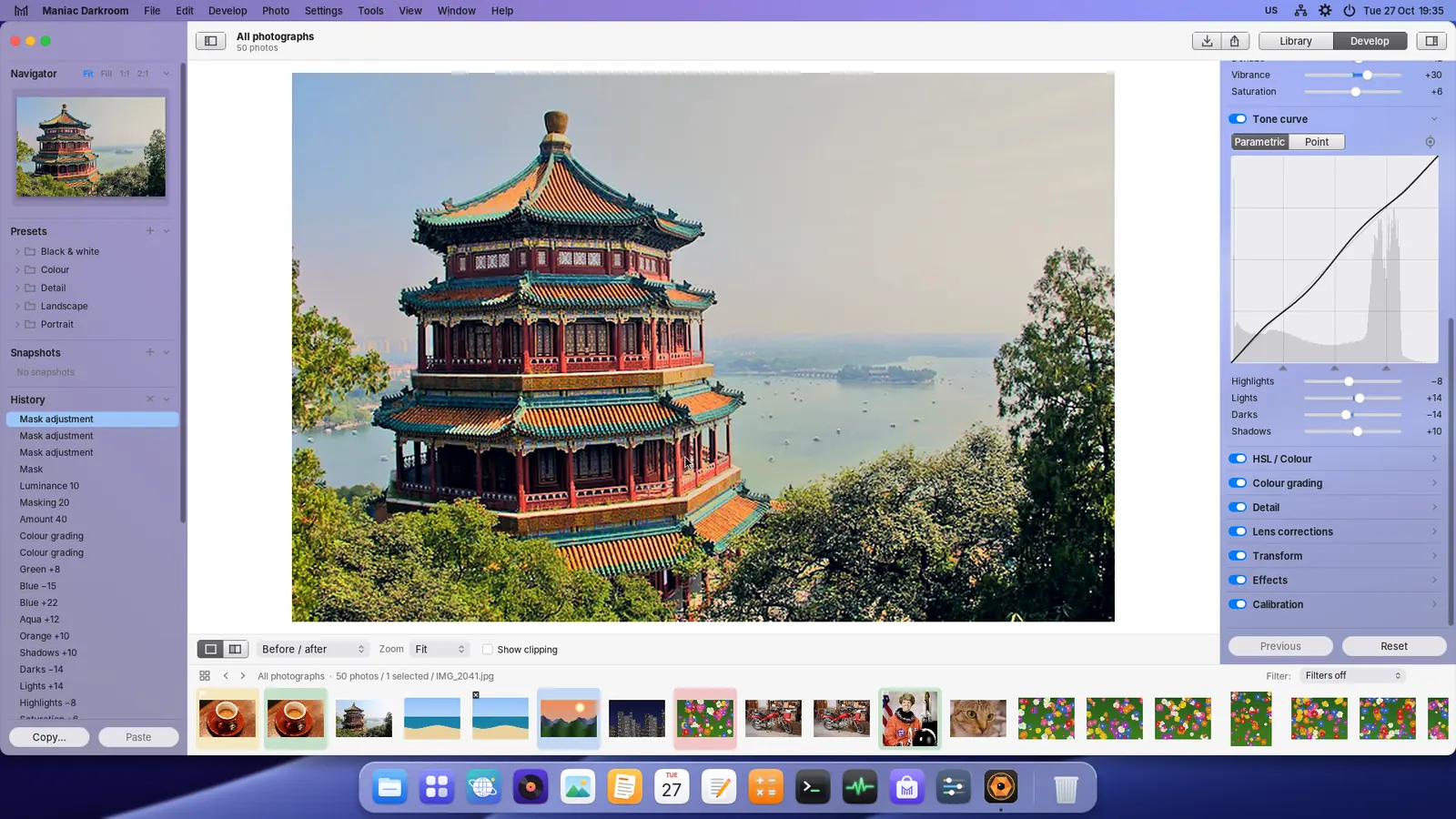
The tone curve 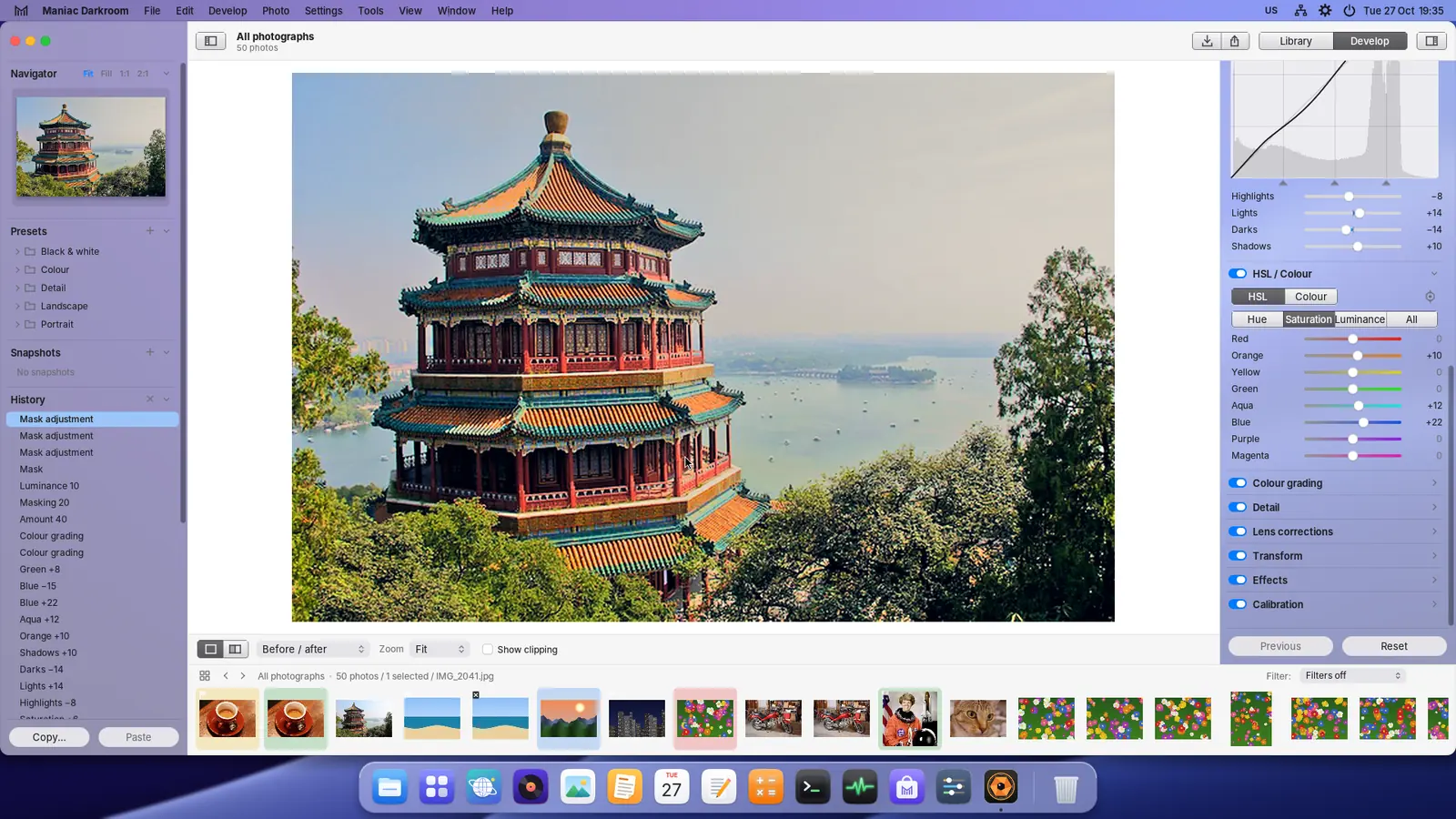
The HSL / Colour panel 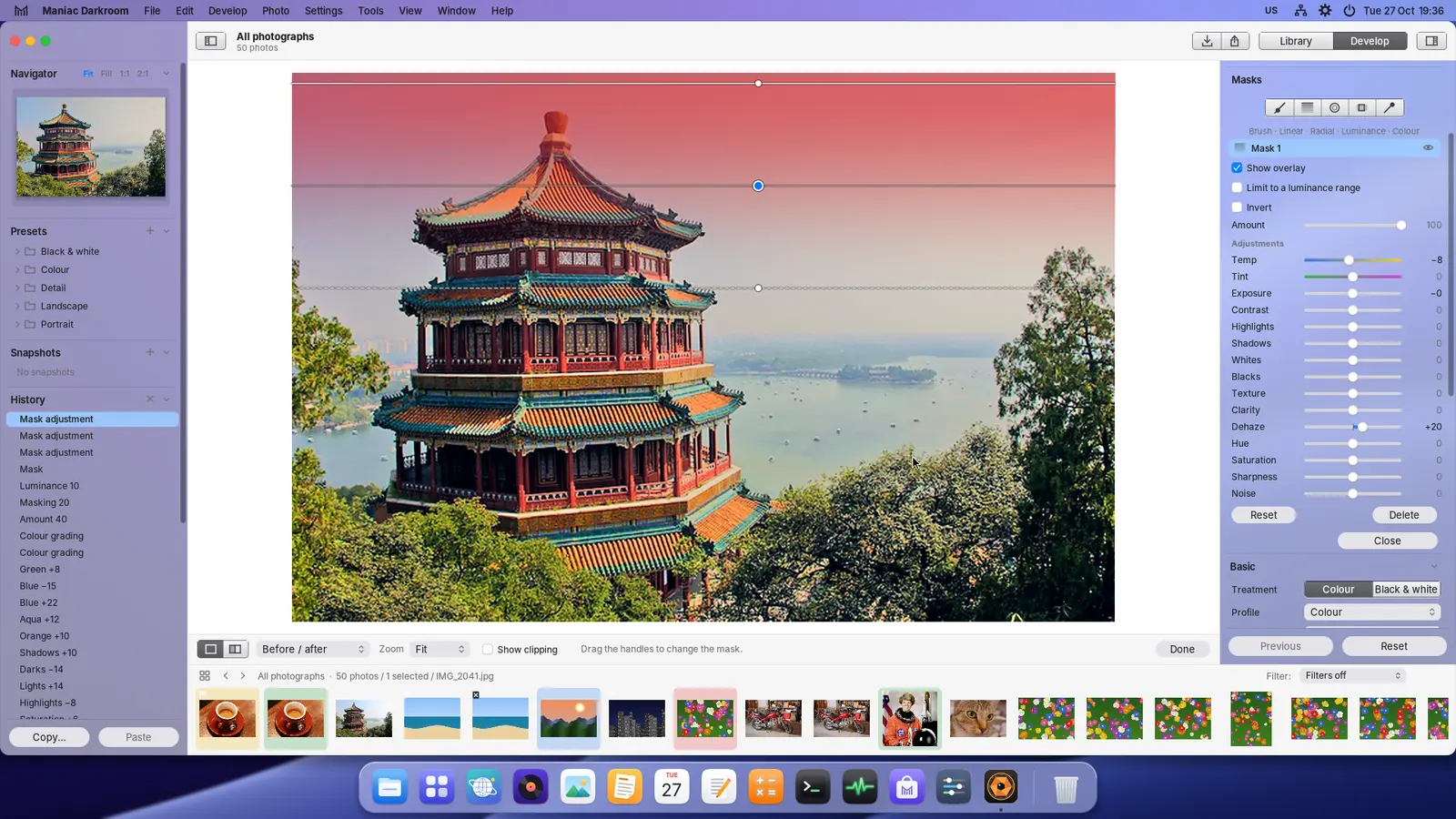
A linear gradient mask on the sky 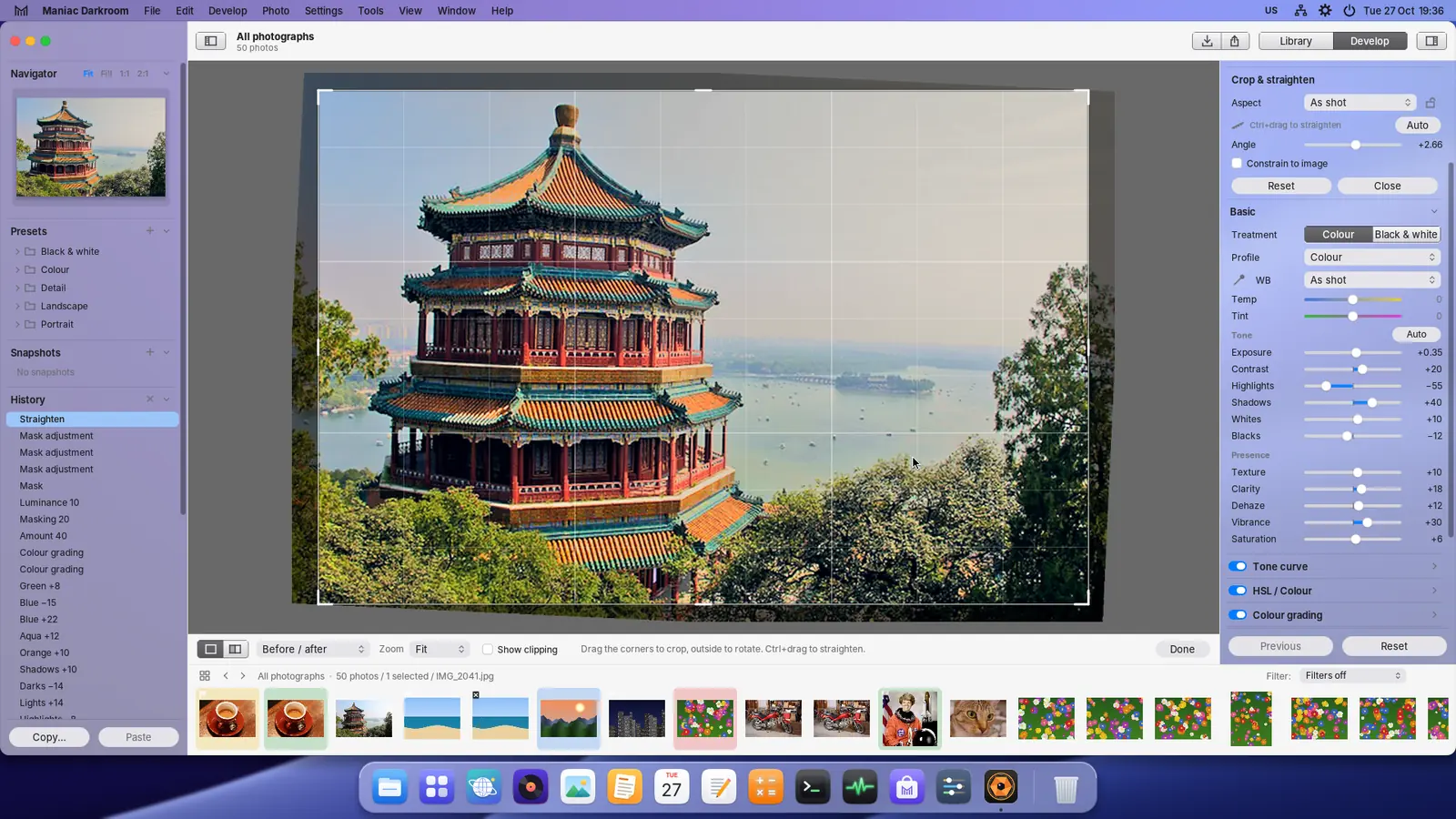
Crop and straighten 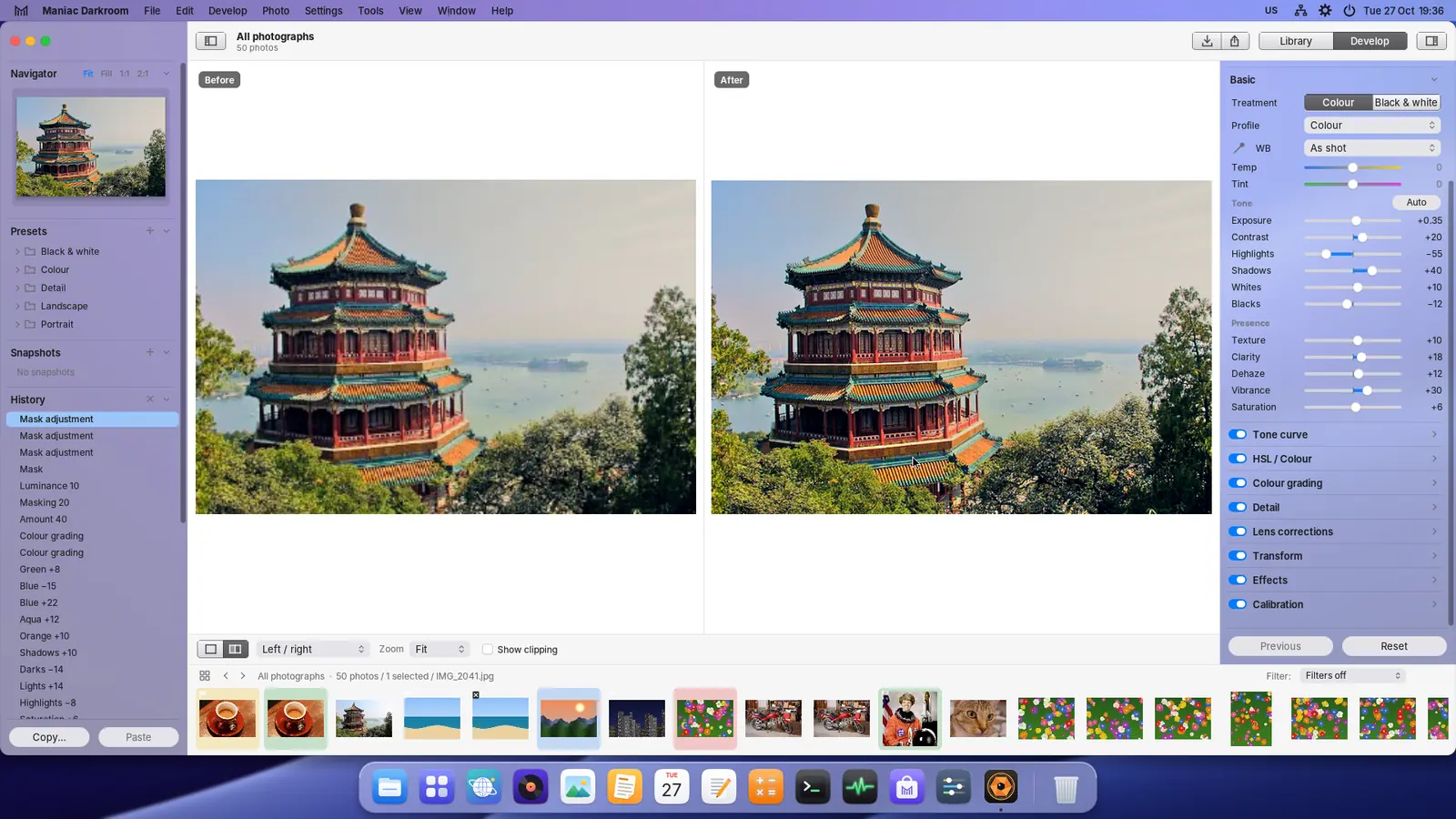
Before and after, side by side 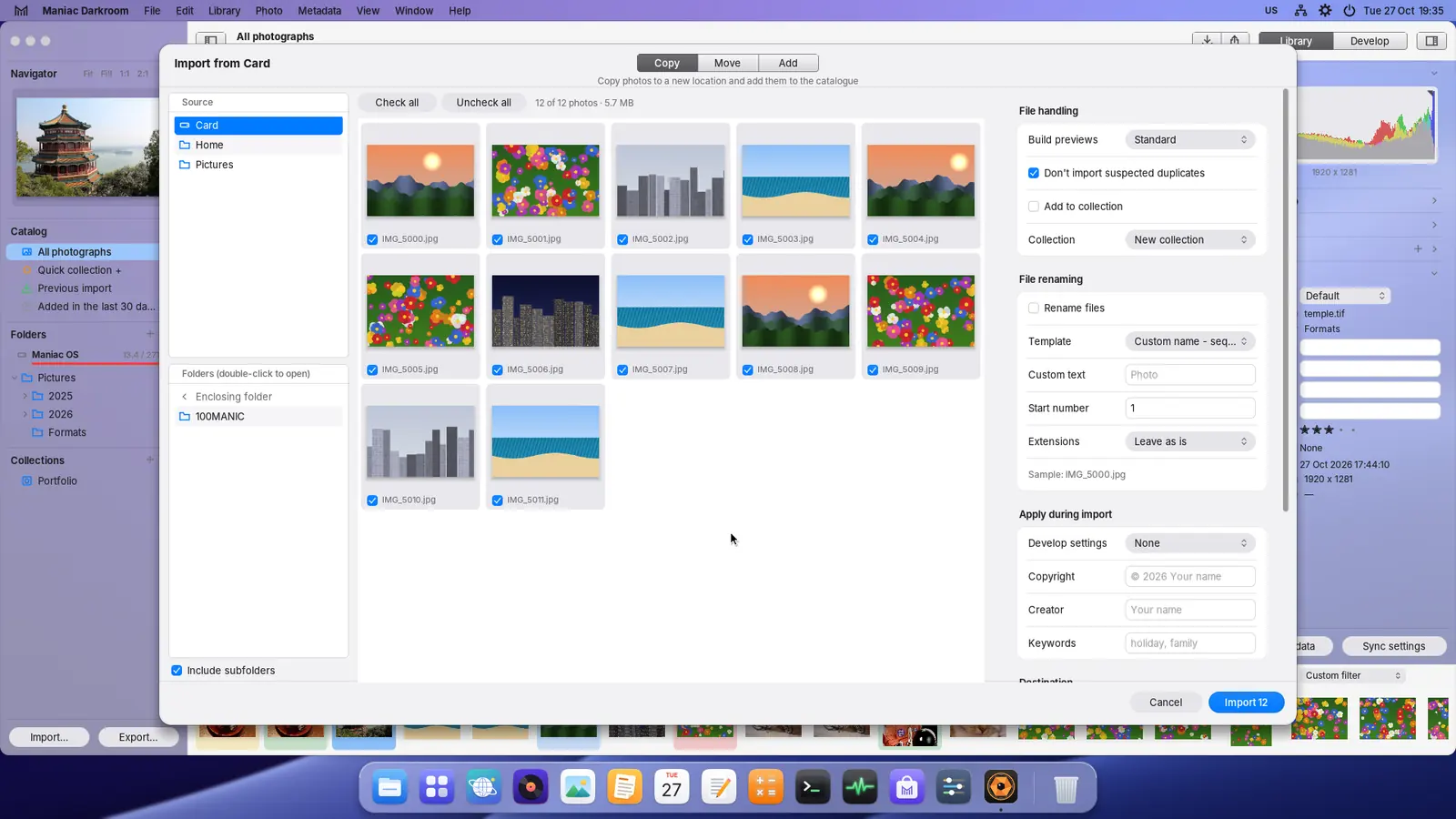
Importing from a memory card 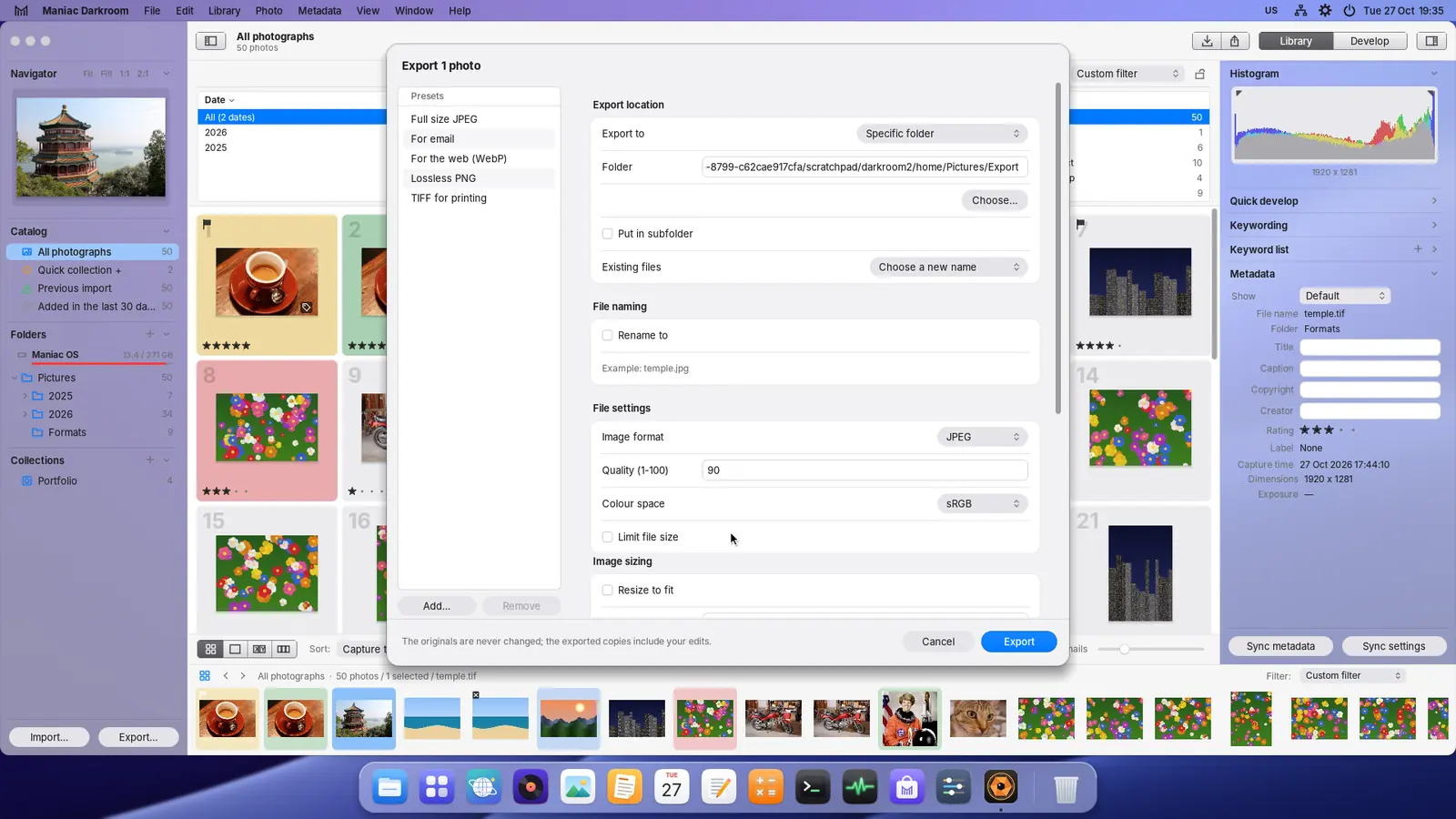
Export with presets for e-mail, the web, PNG and TIFF
Tech specs
What you get, and what you need.
| Price | €5 — One-time purchase, no subscription. Install on up to 5 PCs signed in with your Maniac ID. |
|---|---|
| Category | Photo library & developer |
| Requires | Maniac OS 1.0 or later. A Maniac ID and an internet connection to buy and install it; after that it works offline. |
| Your PC and files |
|
How buying works
You buy each app once. It belongs to your Maniac ID, not to one computer.
Secure checkout
Payment is handled by Lemon Squeezy, our reseller. Pay by card or other local methods; VAT is worked out for your country.
Tied to your Maniac ID
Use the same e-mail address as your Maniac ID. The purchase appears in your account by itself.
Up to 5 PCs
Install your apps on up to 5 of your own PCs from Store › Purchased. No licence keys to type.
Runs where it’s installed
Each app is a signed, encrypted .mapp that runs only on Maniac OS, on the PC it was installed on.