Maniac OS
Calm, fast and beautifully simple. A complete desktop for the PC you already own — and it’s free.
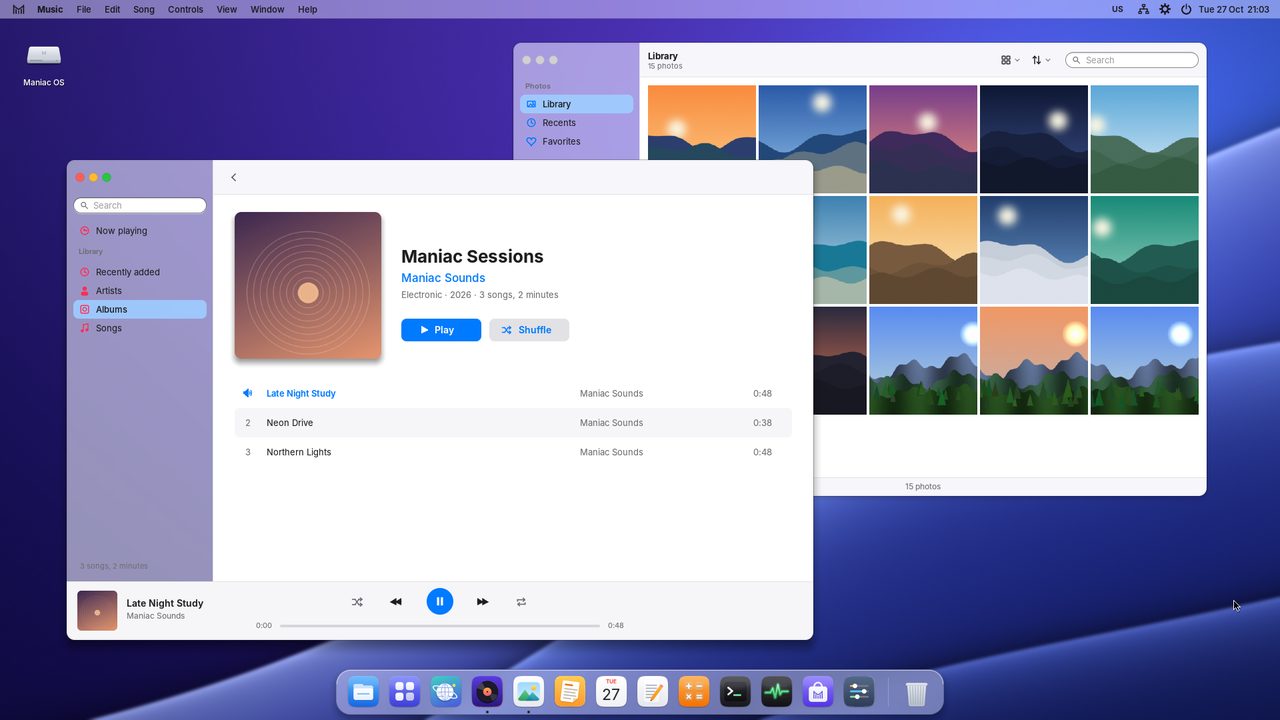
Everything you need.
Nothing in the way.
Maniac OS brings a clear, consistent desktop to ordinary PCs, with the apps you use every day already inside.
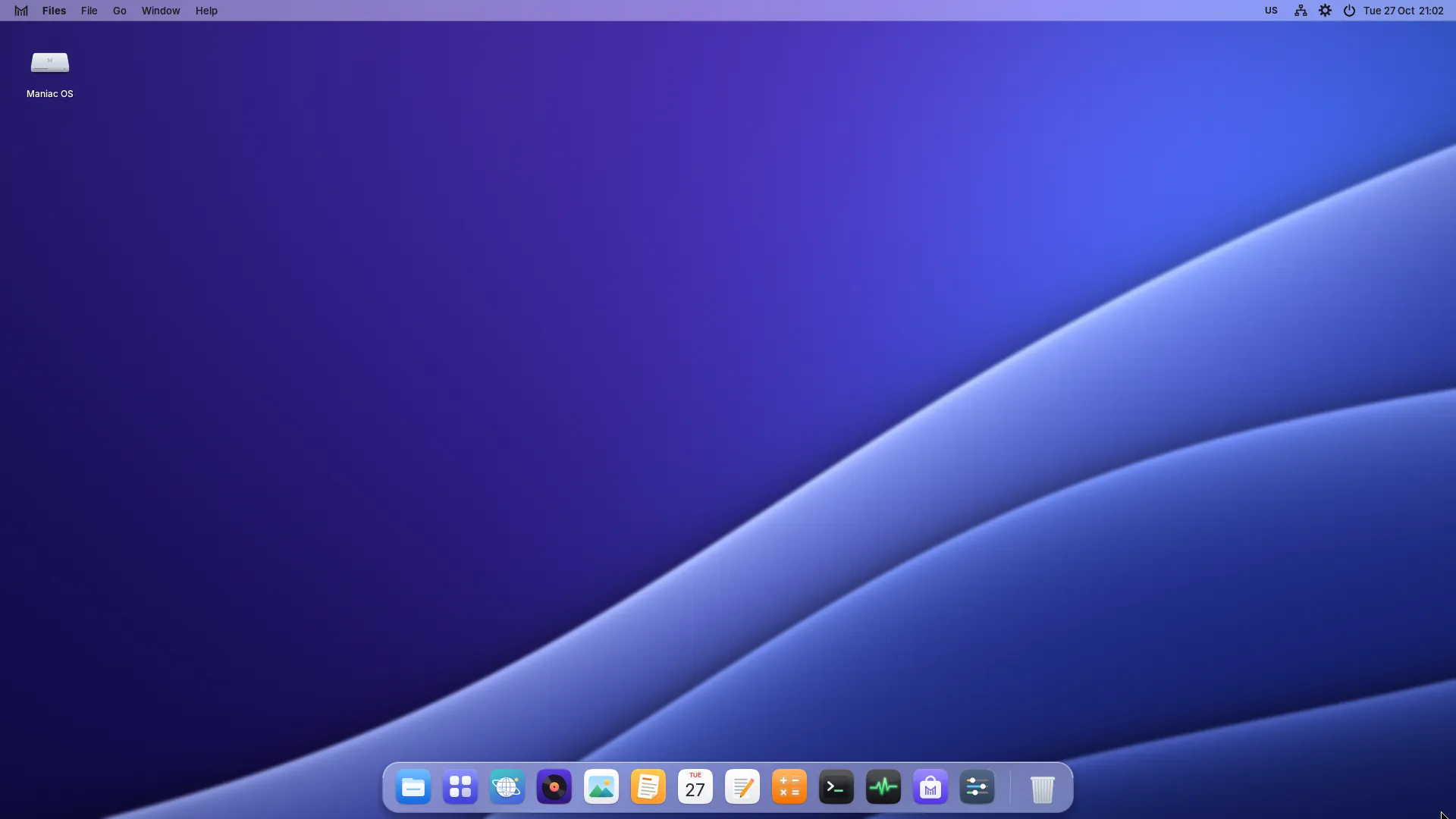
One menu bar
Every app’s menus live at the top of the screen, with every command and shortcut in the same place.
The Dock
Your favourite apps one click away, with a dot under the ones that are running.
GPU compositing
Windows glide smoothly because the graphics card draws them. No GPU? It still runs, without fuss.
Linux & Flatpak apps
Install Linux apps from Flathub straight from the Store, and they open in Maniac windows.
Secure Boot
A signed start-up chain that boots with Secure Boot on or off, on UEFI and older BIOS PCs.
Built-in apps
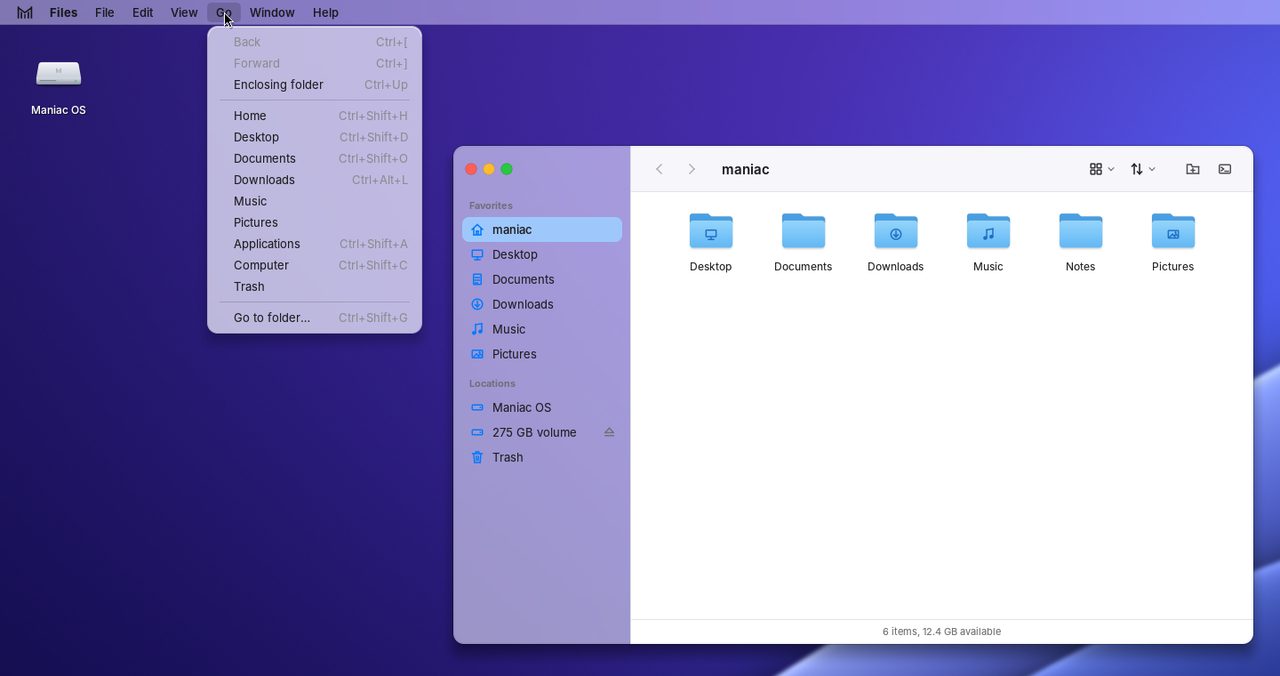
Files, a web browser, Music, Photos, Notes, Calendar, Text Editor, Terminal and more, from the first start.
Private, secure apps
Maniac apps come as one signed, encrypted .mapp that runs only on Maniac OS — and only on the PC it was installed on.
Light and dark
Two carefully tuned appearances, accent colours, wallpapers and a glass effect you can adjust.
Commands where you expect them.
Every app shares one menu bar at the top of the screen. Menus show their keyboard shortcuts, grey out what you can’t do right now, and work the same in every app.
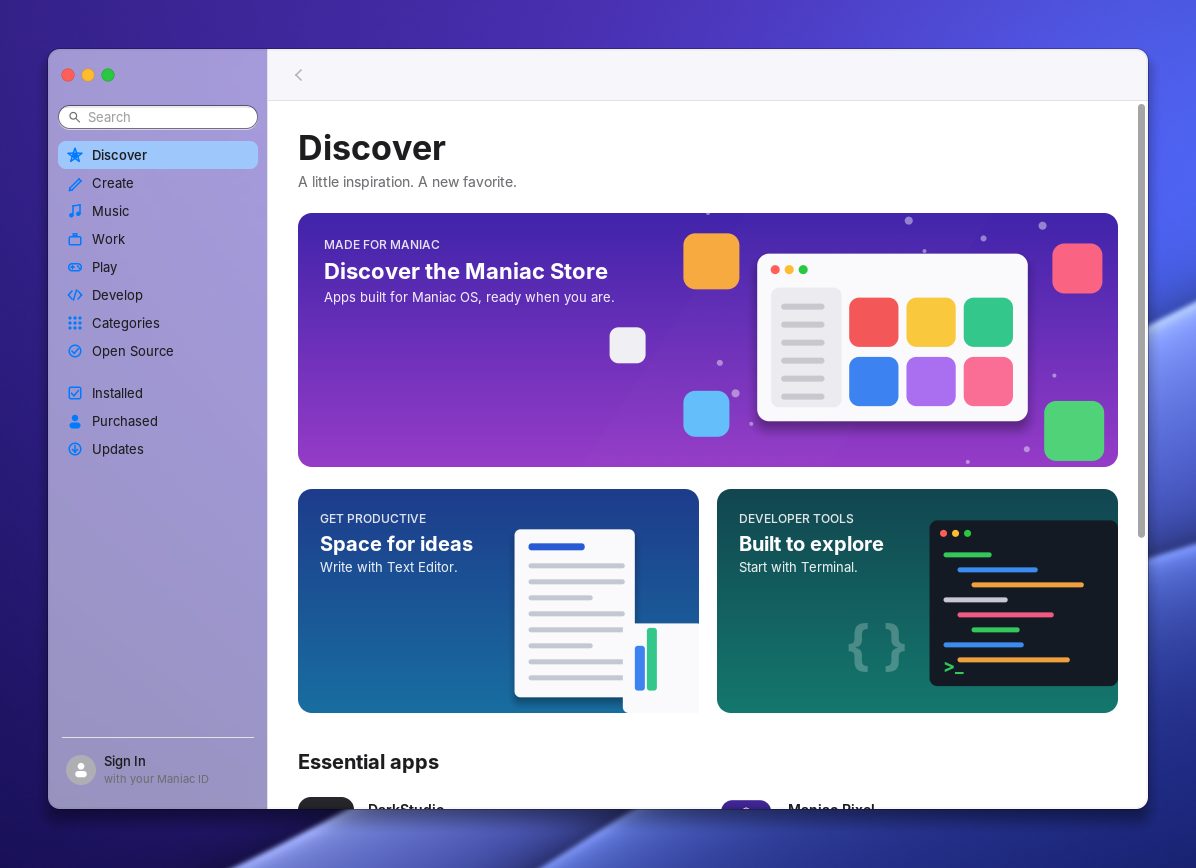
Thousands of apps. One Store.
Find Maniac apps, music plug-ins and the best Linux apps from Flathub in one place. One click installs them; updates stay out of your way.
Light or dark. Your call.
Maniac OS follows your choice everywhere — menu bar, Dock, windows and every built-in app.

Your PC. Your data.
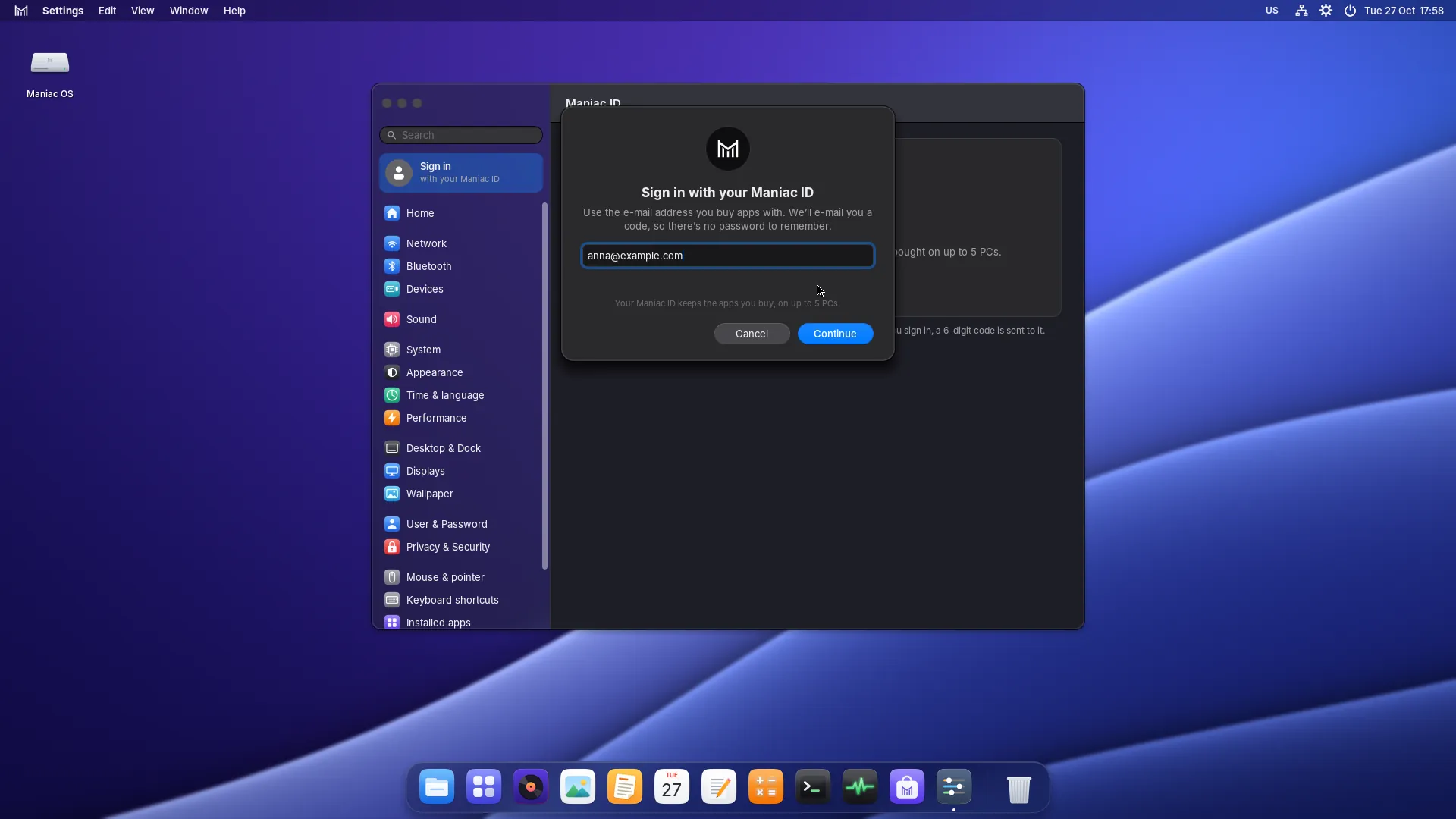
You don’t need an account to use Maniac OS. Your files stay on your PC, and apps you buy are locked to the machine they’re installed on.
- Secure Boot with a signed boot loader and kernel.
- Encrypted .mapp apps that run only on Maniac OS, on the PC they were installed on.
- Lock screen with password or fingerprint, and a built-in firewall.
- Maniac ID without a password to leak: you sign in with a code sent to your e-mail.
Professional apps. Honest prices.
Made for Maniac OS, bought once, yours on up to 5 PCs.

Maniac Draw
Vector illustration and page layout with live effects, text and multi-page documents.
Maniac Darkroom
Organise your photo library and develop your pictures without touching the originals.

Plenty included. More in the Store.
Docs, Sheets, Browser, Music, Photos and more come with Maniac OS. Maniac Present, Movie, Code, Band and Maniac Preview are free in the Store.


Ready to play.
Install Steam from the Store and play Linux games, and many Windows games through Proton. Heroic, Lutris, RetroArch and Prism Launcher are there too, and GameMode is built in.
Try it from a USB stick.
Keep it when you love it.
Maniac OS 1.0 is free. Start it from a USB stick without touching your PC, then install it when you’re ready.